Work in layers
Combine images, text and shapes. Adjust opacity and blend modes, or use masks to control what shows through.
IMAGE EDITING IN YOUR BROWSER
Retouch a photo, design with layers, or open a PSD. Luma Studio gives you a full workspace right in your browser.
Start editingNo installation or account required
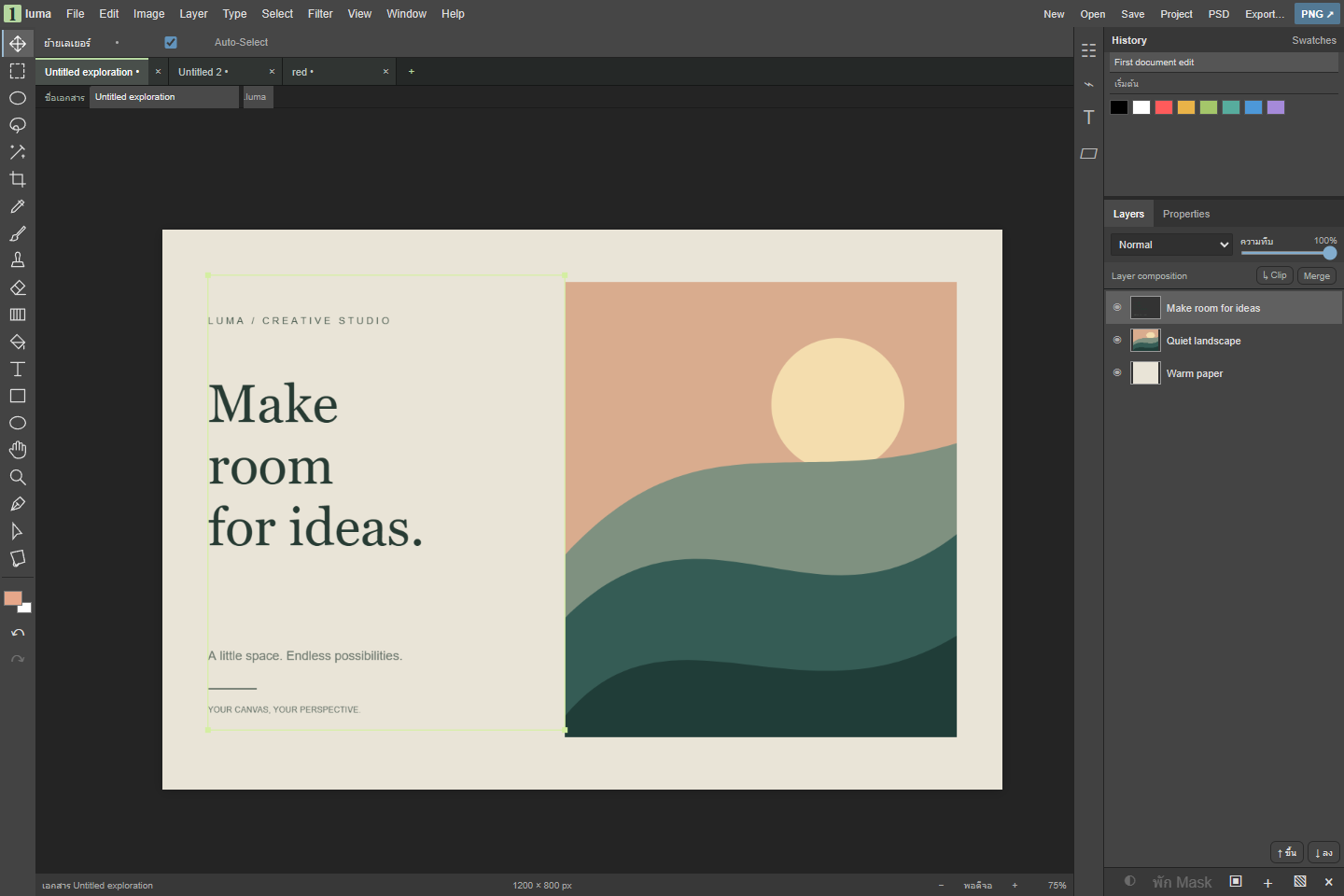
THE WORKSPACE
Combine images, text and shapes. Adjust opacity and blend modes, or use masks to control what shows through.
Crop, paint and select parts of an image. Adjust brightness, contrast and color on individual layers.
Open images from your computer and work on them locally in the browser.
OPEN AND EXPORT
Open common image files and supported raster PSDs. Keep an editable Luma project or export the finished image.